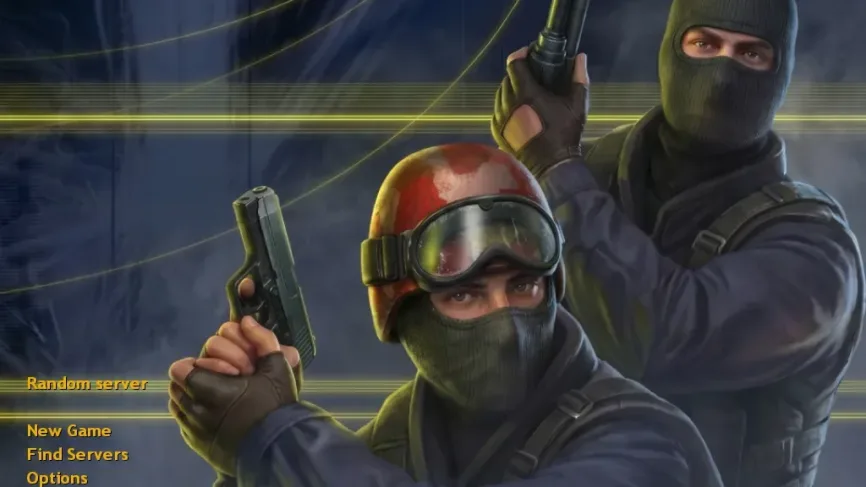
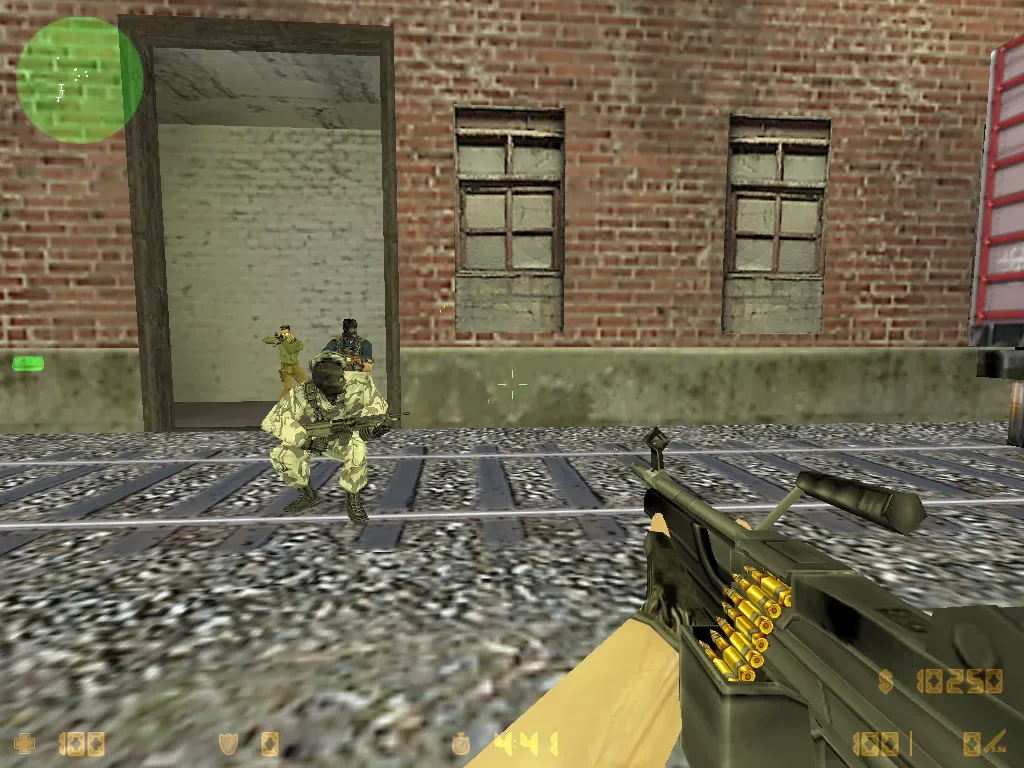
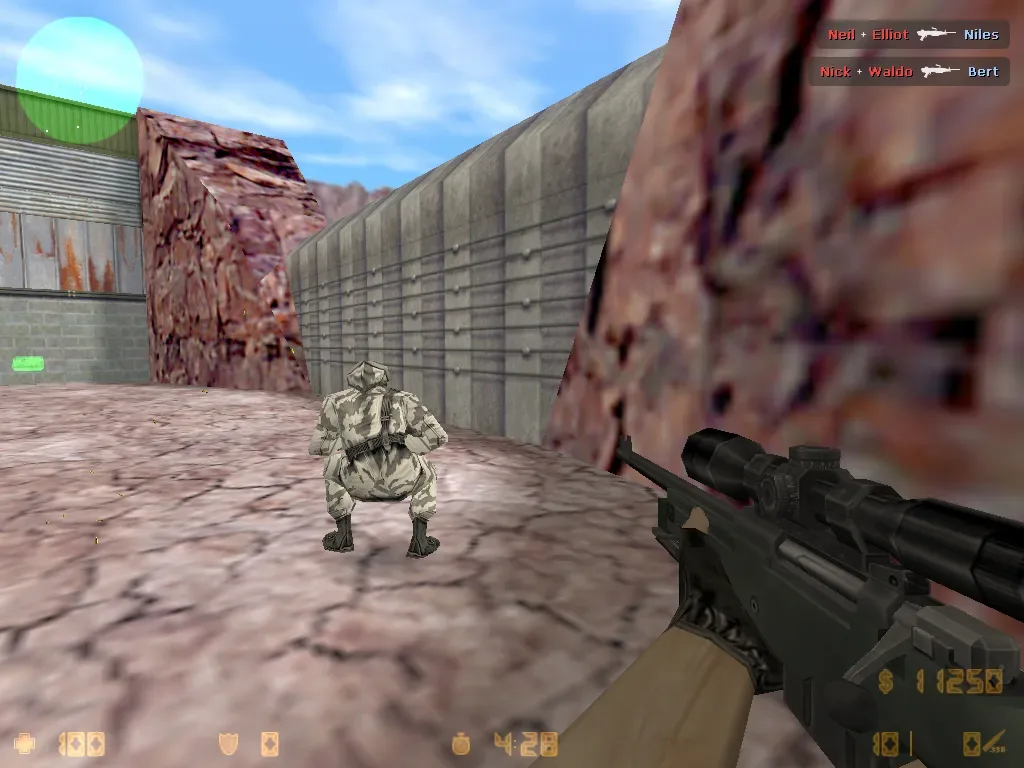
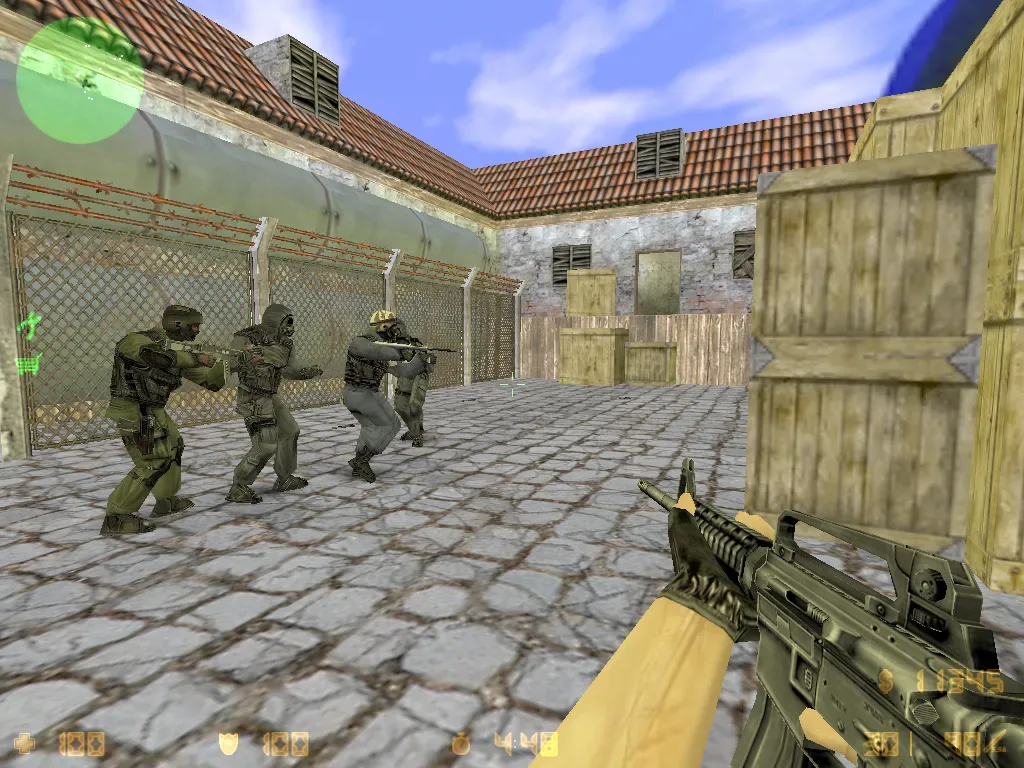
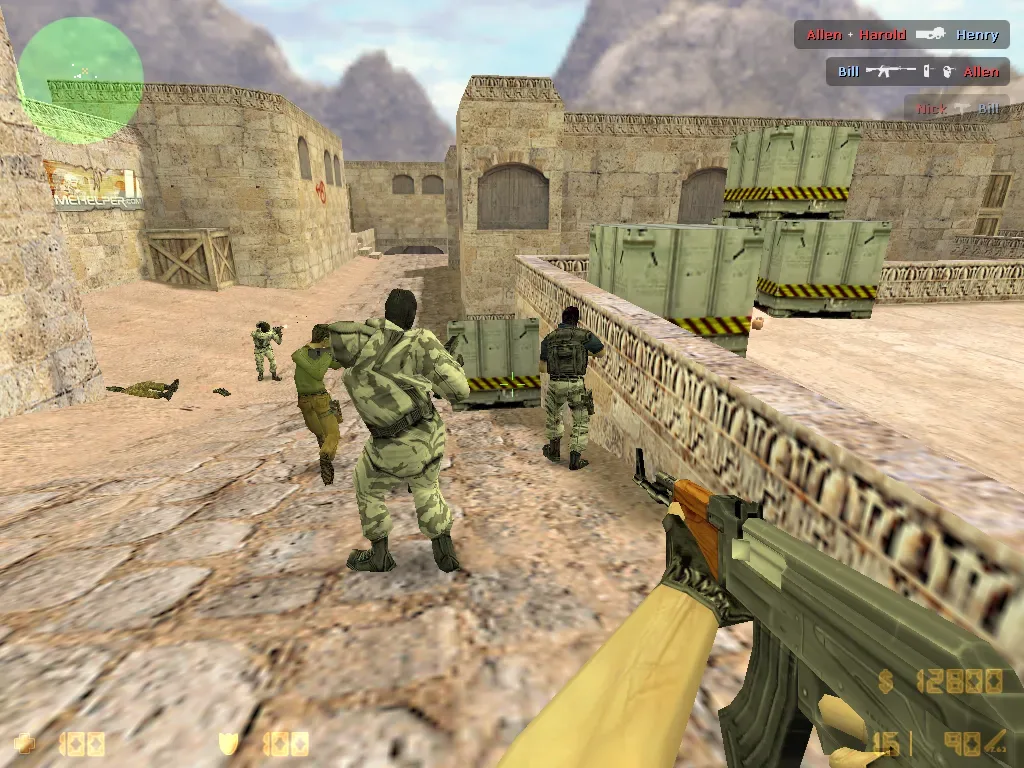
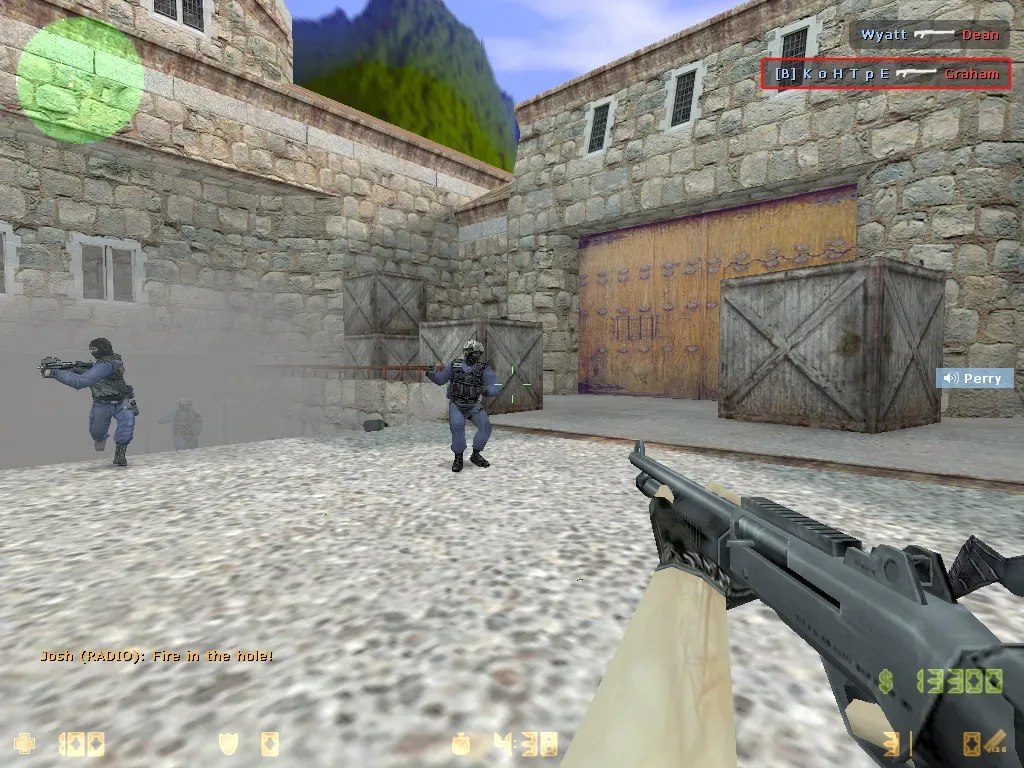
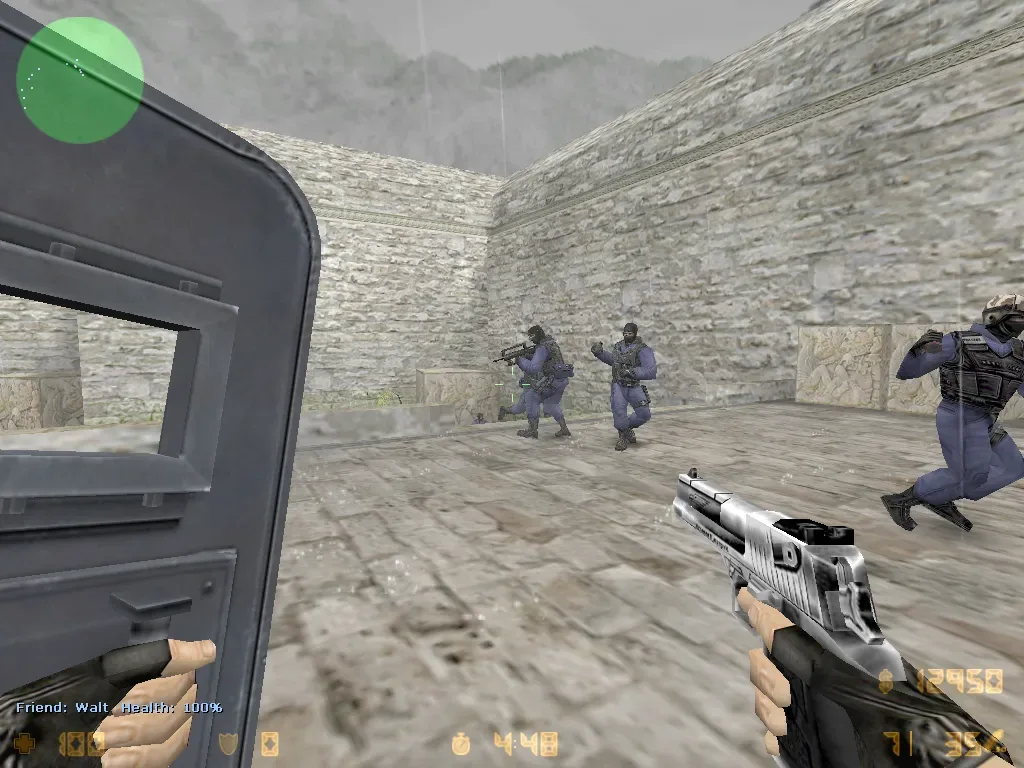
CS 1.6 WarZone is a well-known Non-Steam release of Counter-Strike 1.6 built for players who want to play the classic game online, on a local network or against bots. The client keeps the familiar Counter-Strike gameplay while providing the components needed to run the game without spending time searching for separate patches, bots or multiplayer fixes.
This edition uses the GoldSrc 1.1.2.6 engine, build 4554, and supports both Protocol 47 and Protocol 48 servers. The built-in server browser provides access to Internet, LAN and Favorites tabs, making it easy to find public servers or save addresses you regularly play on. Offline play is also available thanks to included CS 1.6 bots, so an Internet connection is not required for practice matches.
If you want to download CS 1.6 WarZone for PC, the game comes as a ready-to-install package and can be launched after a simple installation. It preserves the recognizable Counter-Strike 1.6 style and remains suitable for both classic public matches and custom community servers.
CS 1.6 WarZone Features
One of the main advantages of Counter-Strike 1.6 WarZone is its broad multiplayer compatibility. Dual Protocol 47/48 support allows the client to connect to different generations of CS 1.6 servers, while the working server browser lets you search for games directly from the main menu.
Bots are already included for offline matches. You can create a local game, select a familiar map and practice shooting or movement without connecting to an online server. LAN play is supported as well, which makes WarZone suitable for matches between computers connected to the same network.
The release is based on engine version 1.1.2.6 build 4554 and includes Metamod-P 1.21p37 together with AMX Mod X 1.8.2. AMX Mod X is disabled by default, so it does not interfere with normal gameplay but remains available for players who need it for local server configuration or modifications.
Another important part of the WarZone client is protection against slowhack techniques used by malicious servers to change local settings, commands or configuration files. This is especially useful when regularly connecting to unfamiliar public CS 1.6 servers.
Main features of CS 1.6 WarZone:
- Counter-Strike 1.6 Non-Steam client
- GoldSrc engine 1.1.2.6 build 4554
- Protocol 47 and Protocol 48 support
- Connection to P47 and P48 servers
- CS 1.6 bots for offline games
- Internet, LAN and Favorites server browser
- Online and local network multiplayer
- Metamod-P 1.21p37 included
- AMX Mod X 1.8.2 included and disabled by default
- Protection against slowhack servers
- Classic Counter-Strike 1.6 gameplay
- Optimized for stable FPS
- Support for Windows PCs
Play Counter-Strike 1.6 WarZone Online
After launching CS 1.6 WarZone, open Find Servers and select the Internet tab to browse available multiplayer servers. You can choose a server according to its map, number of players or ping. Frequently used servers can be added to Favorites, while direct connection by IP address is also available through the console.
WarZone is not limited to standard Counter-Strike matches. The client can be used to join community servers running popular modifications such as Deathmatch, GunGame, Zombie, Surf and other custom modes. Most server-side modifications are downloaded automatically when you connect, so there is usually no need to install them separately.
For players who prefer the original rules, classic maps such as de_dust2, de_inferno, de_nuke and cs_office remain available. Terrorists and Counter-Terrorists compete through short rounds where aim, recoil control, movement, map knowledge and team coordination determine the result.
Play CS 1.6 WarZone with Bots
An online connection is not necessary to play Counter-Strike 1.6 WarZone. The included bots allow you to create an offline match and practice on CS 1.6 maps directly from the game.
Bot matches are useful for learning map layouts, testing weapons, practicing recoil control or simply playing when no suitable online server is available. This also makes the client convenient for new players who want to become familiar with Counter-Strike mechanics before joining multiplayer matches.
CS 1.6 WarZone on Windows
Despite using the classic Counter-Strike 1.6 engine, WarZone remains a lightweight game by modern standards and does not require powerful hardware. It can run on older PCs as well as newer Windows computers while maintaining the fast response and high frame rate for which CS 1.6 is known.
The client requires far fewer system resources than modern competitive shooters, making it a practical option for laptops, older desktop PCs and other systems where newer games may struggle to maintain stable performance.
Download Counter-Strike 1.6 WarZone
Download Counter-Strike 1.6 WarZone if you want a ready-to-play version of the classic game with online multiplayer, offline bots and support for both Protocol 47 and 48 servers. There is no need to install another Counter-Strike client beforehand — the required game files are included in the package.
After installation, launch CS 1.6 WarZone, open the server browser and choose an online server, start a LAN match or create a local game with bots. The client can be downloaded through a direct link or torrent, allowing you to choose the most convenient way to get Counter-Strike 1.6 WarZone for PC.